Security check-up
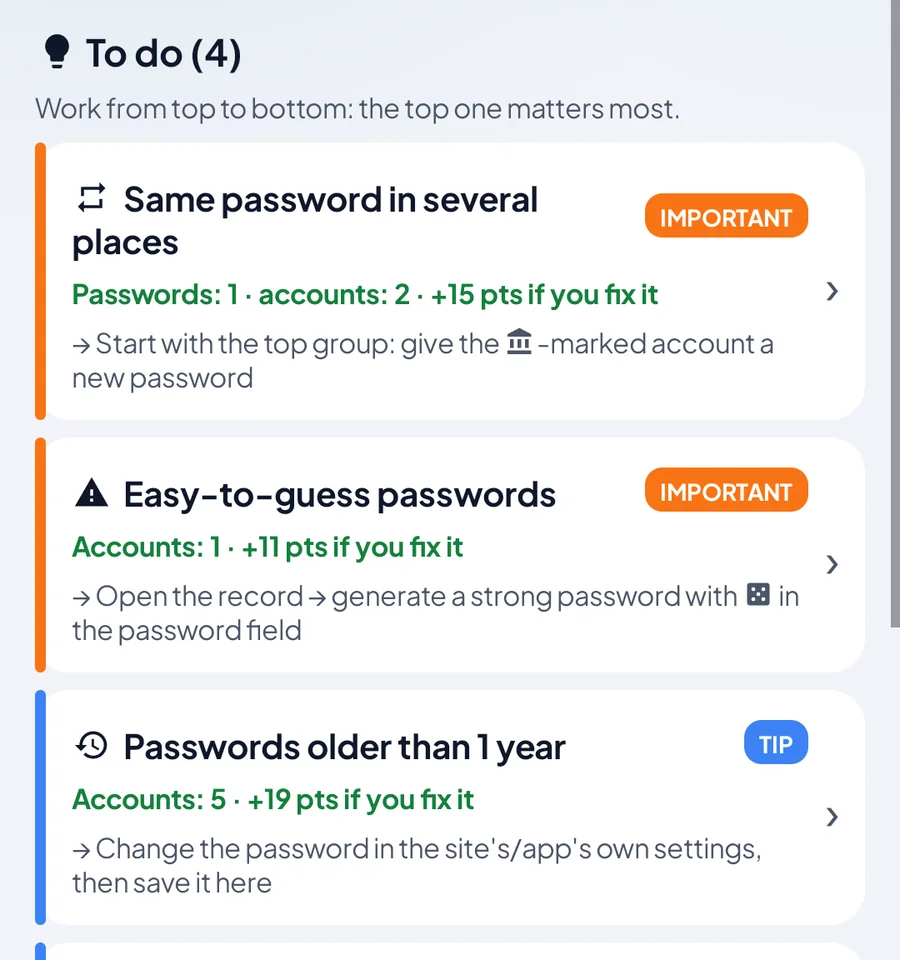
Shows weak and reused passwords with the evidence, and tells you what to fix first.
- Which account is at risk, and why
- Strong passwords in one tap
Offline vault
Passwords, cards, bank details, Wi-Fi, IDs, alarm codes. All in one place, encrypted, and only on your phone.
Demo vault
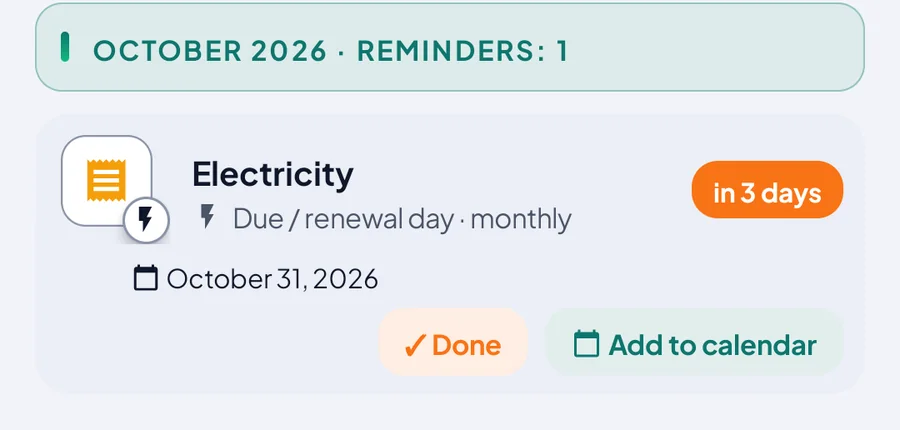
Don't want to enter your own passwords, cards or ID? No problem. The app comes with a full sample family vault: every record type, pages, reminders and document visuals. Tap, edit, delete; nothing reaches your own vault.
Install Sirdas from Google Play.
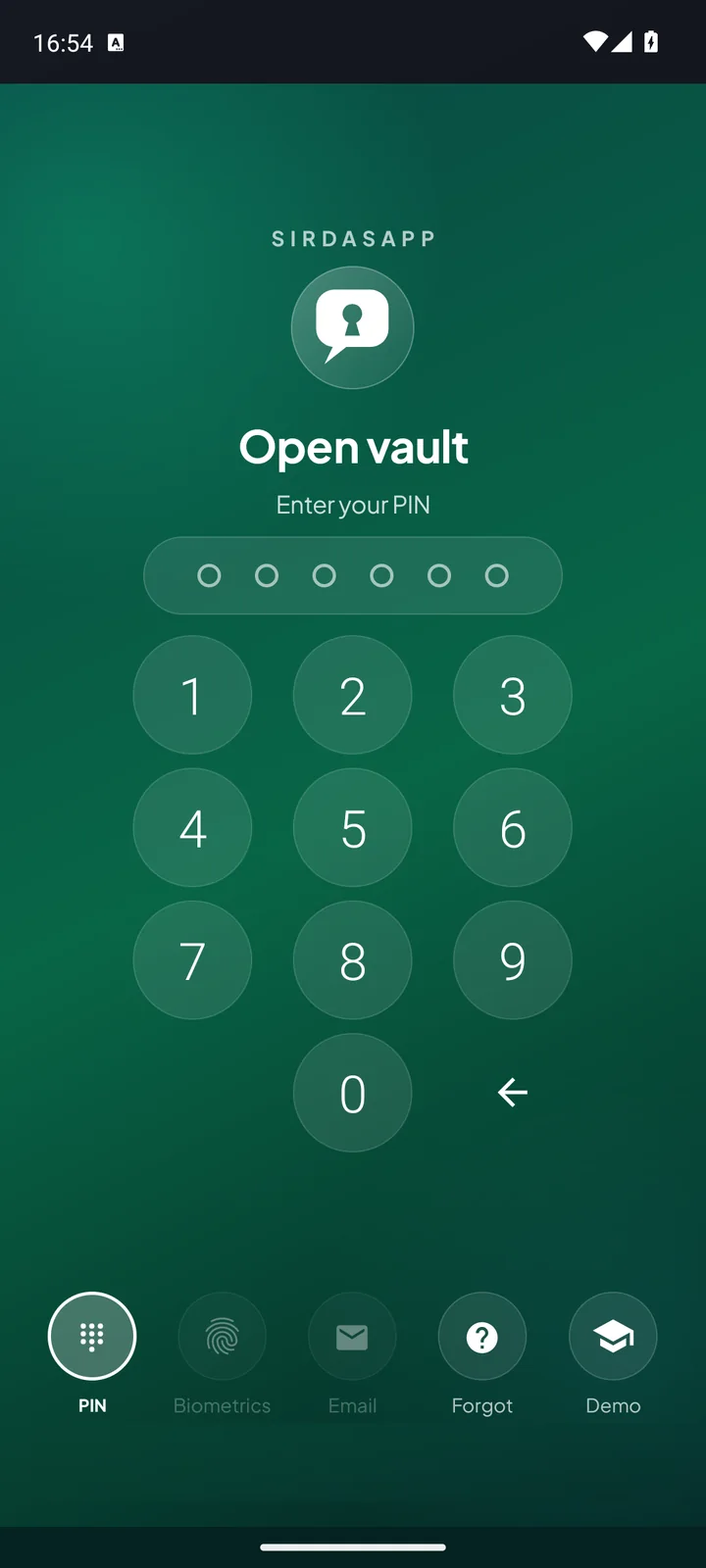
On the lock screen, tap “Demo”.
If asked for a PIN, type 123456.
When you're done, tap “Go to my own vault” to return.
Don't type your real password here — the demo vault's PIN is the well-known 123456.
ID, license and passport in the layout you know. The realistic card look comes with Plus and above; on Free, the same details appear on a simple card.

Ready-made types and institutions from your country.
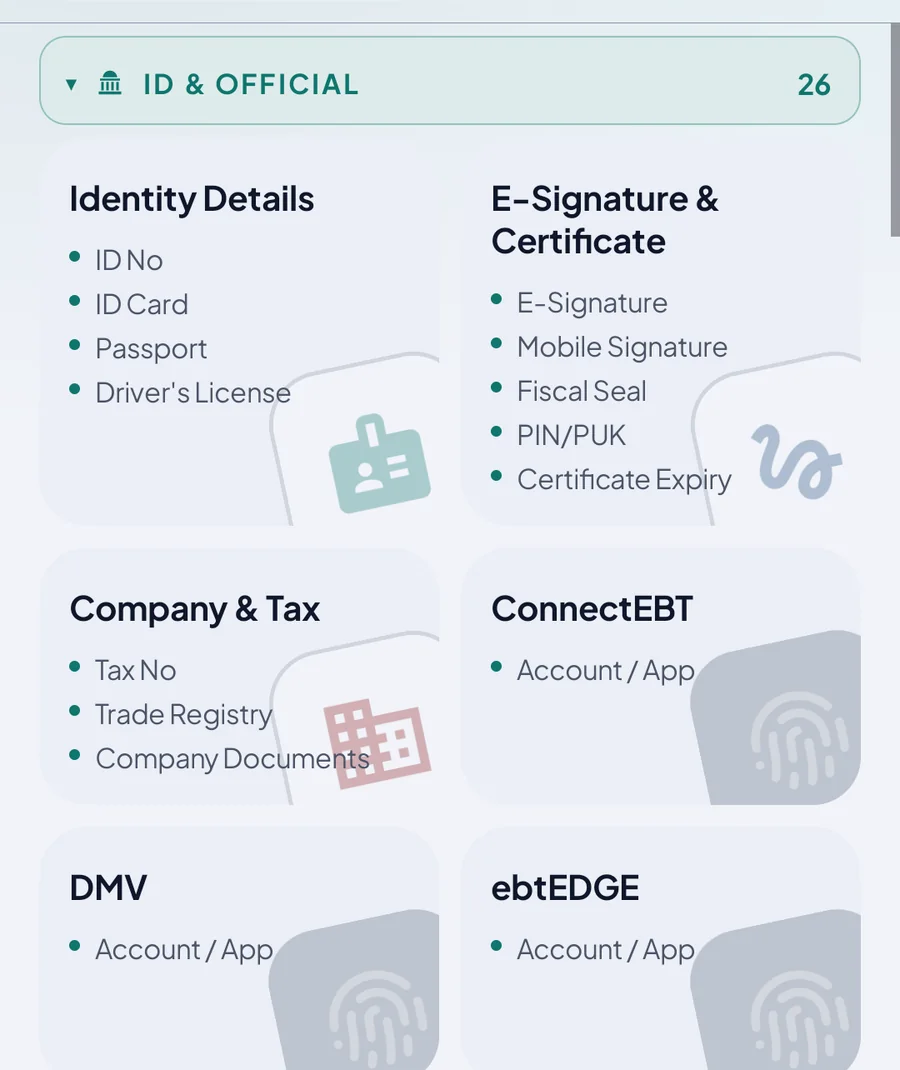
Added from the app: 2 types on Free, all with Plus and above. Tiles never show secrets.
Set the app's language separately from your phone.

Shows weak and reused passwords with the evidence, and tells you what to fix first.
Inspections, policies, warranties, passports and bill dates won't slip by. Notifications never show a password or license plate.

Encrypted backups to Drive, a USB stick or an SD card, automatically. Automatic backup locations: 1 on Free, more on higher plans; manual backup is always free.
Two-step codes on your watch in every plan; passwords and cards you choose with Plus and above. You approve from your phone.

One app for everything you need to remember in daily life.
Look up its permissions in your phone's settings and check for yourself.
Yes. The app has no internet permission; if it tried to connect, Android would refuse. Check data usage in your phone's settings and you'll always see 0 B.
No. There is no server and no account; your records stay encrypted, only on your phone. Something leaves only when you tap Share or Back up, and goes where you choose.
Yes. The “Demo” button on the lock screen opens a full sample family vault. If asked, the PIN is 123456; your own vault stays separate and locked.
Only your recovery key opens the vault. You keep the recovery key and there is no copy anywhere else; store it somewhere safe during setup.
The vault locks itself when you leave the app; even if the files are copied, they won't open elsewhere. There is no remote wipe, so keep your phone's own lock and Find My Device on.
Make an encrypted backup, install Sirdas on the new phone and restore that backup.
Where you choose: a Drive folder, a USB stick or an SD card. The backup file is encrypted; manual backup is free on every plan.